Free Flux Kontext
The most advanced AI Image Editor. Transform any image with simple text prompts.
Flux Kontext
Flux Kontext Result
The modified image results will appear here.
Result Time30s - 1min

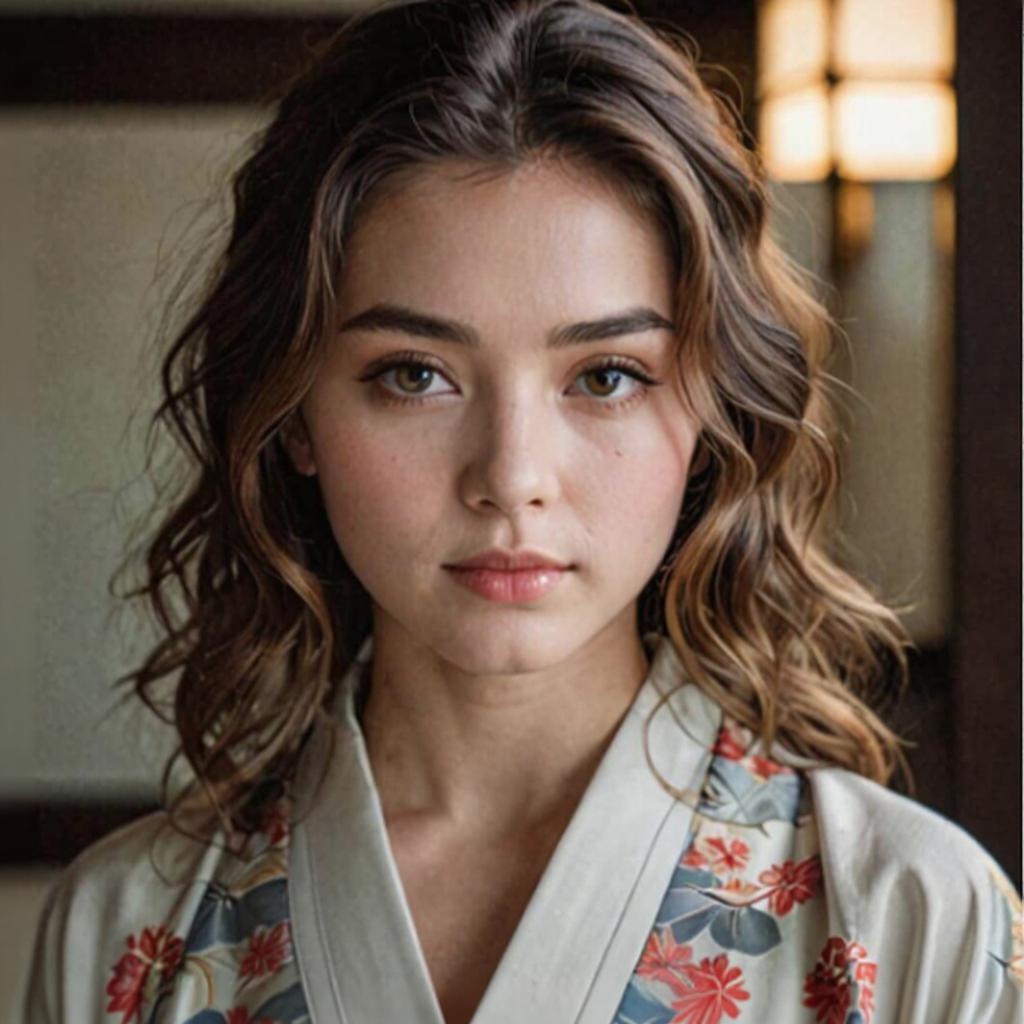
AI Image Comparison
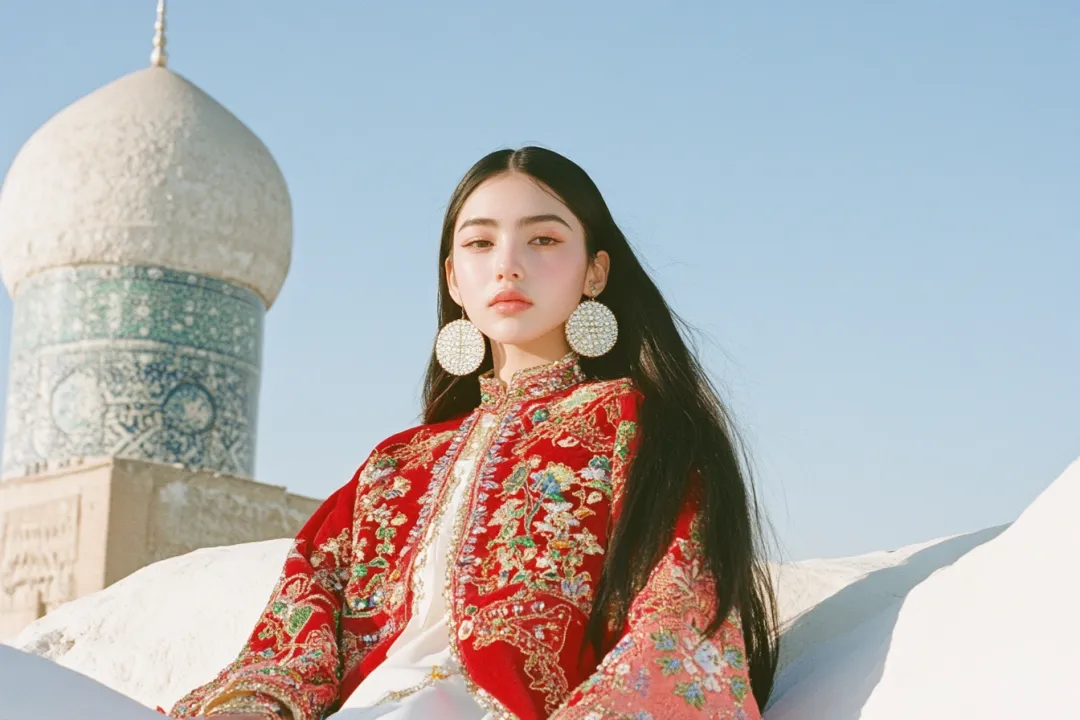
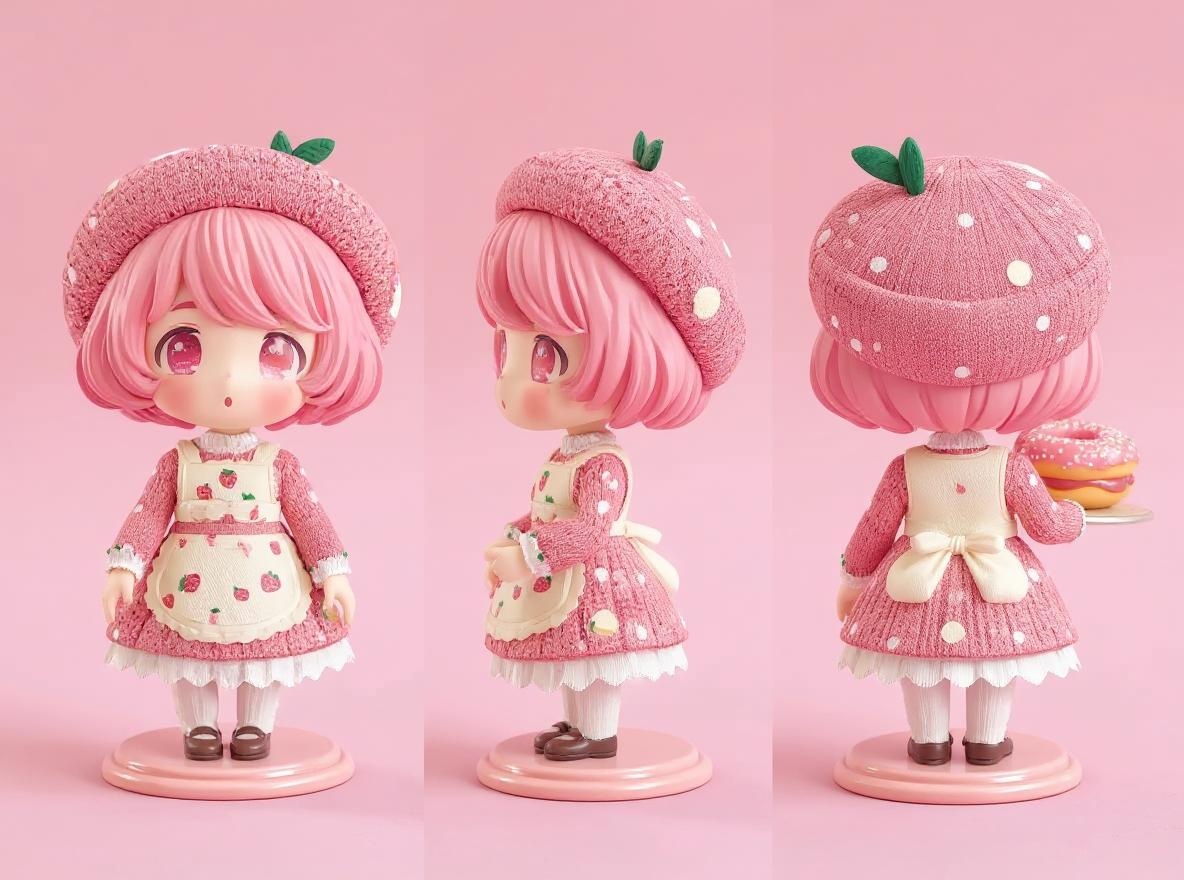
Experience the power of AI by comparing original and transformed images side by side.
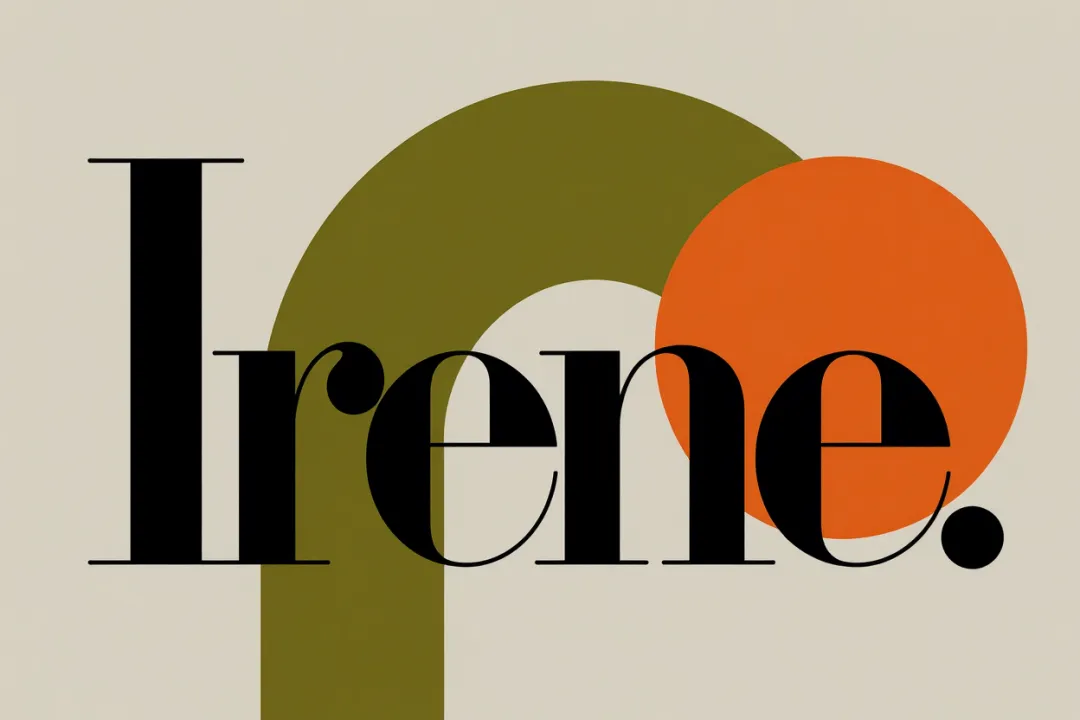
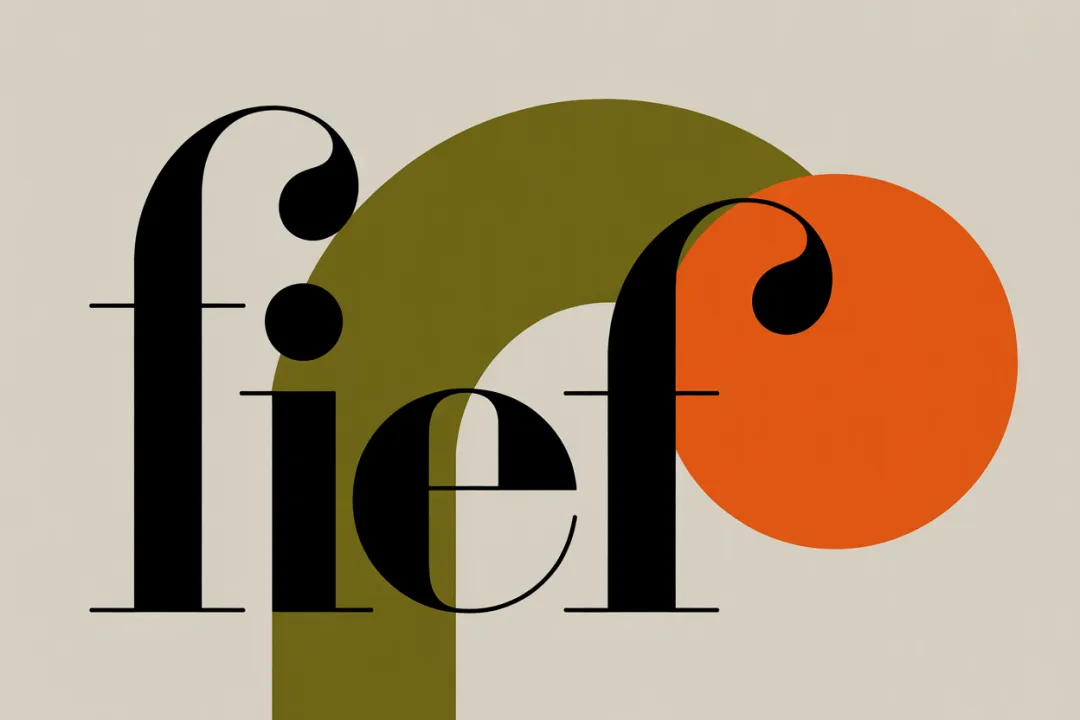












Features
Create and edit images with text or image prompts—fast, consistent, and easy.
Text & Image
Use both text and images as prompts for flexible, context-aware editing.
Consistent Style
Preserve unique characters and styles across every generation and edit.
Local Editing
Modify specific regions or transform the entire image with ease.
Fast Iteration
See instant results and quickly refine your creations step by step.
Style Transfer
Apply the style of any reference image to your new creations.
Step-by-Step Edits
Build on each prompt to progressively enhance your images.
Frequently Asked Questions
Find answers about FLUX Kontext's features, usage, and best practices.
What is FLUX Kontext?
FLUX Kontext is an advanced AI model for context-aware image generation and editing. It allows you to create, modify, and refine images using both text and image prompts, with unmatched consistency and precision.
How is FLUX Kontext different from other AI image editors?
Unlike traditional tools, FLUX Kontext can make precise, local edits without changing the rest of the image. It maintains character and style consistency across multiple edits and supports both text-to-image and image-to-image workflows.
What types of edits can I make?
You can change colors, styles, objects, or text, transfer styles from reference images, and perform step-by-step edits. The model excels at targeted modifications while preserving the original context.
Who can benefit from using FLUX Kontext?
Artists, designers, marketers, educators, and anyone who needs fast, consistent, and creative image editing—whether for product visuals, branding, content creation, or research.
Is FLUX Kontext free to use?
You can try FLUX Kontext for free with limited credits. For extended use and advanced features, subscription plans are available.
How do I get the best results?
Use clear, high-quality images and specific instructions. For complex edits, build changes step by step. Refer to our documentation for tips on effective prompts and advanced editing.
Start Creating with FLUX Kontext
Experience next-level image editing—try FLUX Kontext for free and see the difference.